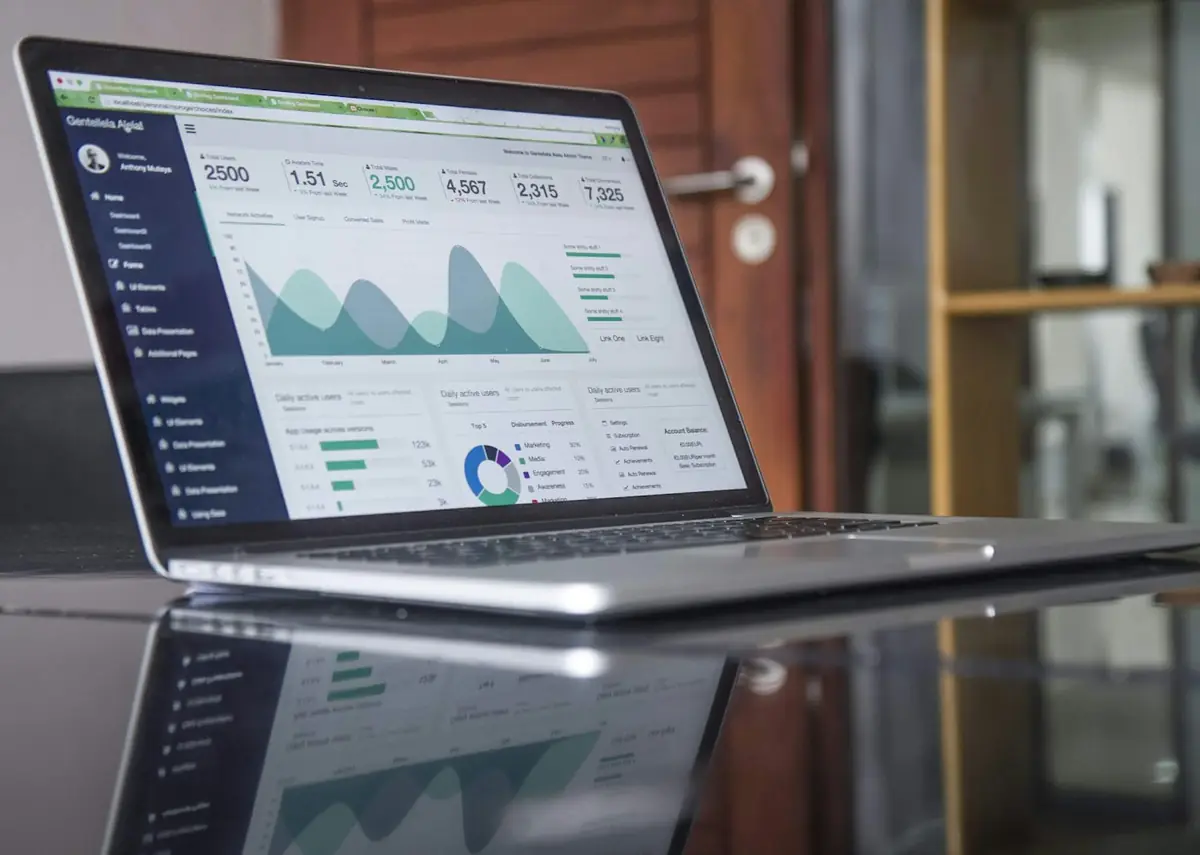
Wholesale distribution company
Ordering screen with custom prices for hundreds of dealers.
E-Commerce · B2B
A B2B portal that gives your dealers and corporate customers their own prices and ordering experience.
B2B sales require a different structure from B2C e-commerce because of customer-specific prices, discounts, credit limits and recurring orders. Orders handled by phone, email and WhatsApp lead to errors and lost time.
A B2B portal lets your dealers order 24/7 at their own prices, see stock levels and repeat past orders, while your sales team focuses on relationships and growth.
In detail
User and permission management, prices/discounts by customer group, stock visibility, quick order screens, order history and approval flows are the core of the portal. When account balance and document access are added, dealers no longer need to call for information.
Thanks to the responsive interface, field sales reps can also enter orders on behalf of customers.
The portal pulls stock and prices from ERP and sends orders to ERP, eliminating double entry and mismatches. Invoice and delivery note information is also visible in the portal.
The integration is built to be reliable, with retry, logging and notification mechanisms for error cases.
Scope
Price lists that vary by dealer group, discount and campaign.
Bulk and repeat ordering by product code/Excel.
Balance, risk limit and payment term information visible in the portal.
Synchronization of stock, prices and orders with ERP.
Order confirmation, quote and shipping notifications.
Access to invoices, delivery notes and account statements.
Problem → solution
Orders come in by phone and email, and errors occur.
We set up a verified, traceable order flow through a single portal.
Applying different prices for each dealer is hard.
We systematize customer-specific price and discount rules.
The sales team is busy with order entry.
Dealers enter their own orders; the team focuses on growth.
Process
Price, limit and approval rules.
Deliverable: Rules documentDealer interface and admin panel.
Deliverable: PrototypePortal and ERP connection.
Deliverable: Test portalPilot with selected dealers, followed by rollout.
Deliverable: Live portalUse cases
Ordering screen with custom prices for hundreds of dealers.
Catalog, stock and ordering portal for the dealer network.
Fast code-based ordering and stock checks.
Things to watch out for
Starting without clarifying pricing rules
The right way: draw up the price/discount matrix at the start.
Leaving integration until the end
The right way: make the ERP connection part of the architecture.
Not planning dealer training
The right way: support adoption with short videos and guides.
Portfolio
A B2B e-commerce portal integrated with ERP that offers dealer-specific prices, account balances and quick ordering.
−%60 Manual order entryView project E-Commerce SitesFashion and retail · 2025A high-traffic-resilient e-commerce infrastructure that manages three brands from one admin panel, with marketplace and ERP integration.
+%42 Conversion rate (example)View project Software SolutionsServices and corporate · 2025An API-based platform that brings ERP, CRM and e-commerce systems together in one integration layer.
−%80 Manual data transferView projectFAQ
In B2B, prices, limits and approval processes are customer-specific; registration usually requires approval, and bulk/repeat orders are central.
Yes. With API or file-based integration, we sync stock, price and account information with the portal.
We make adoption easier with a simple interface, quick ordering and training materials.
Yes; with a shared product and stock infrastructure, both channels can be managed together.
Yes. List prices, discounts and campaigns specific to a dealer, region or customer group can be defined. Each dealer sees only the prices and products made available to them.
Yes. Through integration with the ERP or accounting system, dealer balances, risk limits and credit order rules are shown in the portal and checked at order time. An approval flow can be triggered when the limit is exceeded.
Yes. Features such as quick entry by product code, bulk upload via Excel/CSV and repeating a previous order significantly shorten B2B users' ordering time.
Yes. Portal orders can be sent to the ERP automatically after the approval flow; stock, shipment and invoice statuses are reflected back to the portal. This reduces manual entry and order tracking by phone.
With role-based authorization, separate permissions are defined for different users within a dealer (purchasing, accounting, warehouse). All operations are logged.
Yes. The design is responsive; the interface is kept fast and simple so the field sales team and dealers can easily order by phone too. An optional mobile app can also be added.
The number of products and dealers, pricing rules, depth of ERP integration, approval flows and design detail determine the cost. In the free initial consultation we clarify the scope and provide a written quote.
Explore
Sales-focused e-commerce platforms with virtual POS, shipping and marketplace integrations.
Explore ERPScalable enterprise resource planning software that fits your processes exactly.
Explore Custom SoftwareSoftware that fits your business processes exactly, where off-the-shelf packages fall short.
ExploreBlog
A 15-step SEO checklist for your website: technical infrastructure, speed, mobile usability, content, structured data and local SEO steps, with examples.
Read article Mobile · 4 min min readWhat you need to know before commissioning a mobile app: native or cross-platform, cost factors, timeline, the MVP approach and the store release process.
Read article Web Design · 6 min min read8 critical points to know before getting a corporate website built in Ankara: goal, design, SEO, speed, admin panel, security, measurement and maintenance.
Read articleHow can we help you?
Software SupportExisting software and technical support Project SupportNew projects, quotes and consultingWe reply quickly on business days.
 E-Commerce Sites
 E-Commerce Sites
 Software Solutions