Production and manufacturing
A production-focused ERP that brings together work orders, bills of materials, stock and cost tracking.
ERP
Scalable enterprise resource planning software that fits your processes exactly.
Off-the-shelf ERP packages often force the company to fit the package. We first analyze your current workflow, then develop modules such as inventory, production, purchasing, sales, finance and reporting in a modular way to fit your needs.
By integrating accounting software, e-invoice/e-waybill services, e-commerce and production lines, we make the entire operation visible on a single platform.
In detail
Off-the-shelf ERP products offer quick setup and a broad user base, but when they don't fully fit your company's processes, customization costs and license burdens grow. A custom or semi-custom ERP includes only the modules and processes you need, without unnecessary complexity.
We make the decision on a cost/benefit basis: if your processes are standard, we may recommend an off-the-shelf product; if you have distinctive processes that create competitive advantage, custom development is usually more sustainable.
Taking an ERP live all at once is high-risk. We start with the critical module (for example stock and sales) and roll out modules such as finance, production and reporting step by step. Each phase includes user training, data validation and a feedback round.
A modular architecture is also resilient to future changes: adding a new branch, warehouse or product group doesn't break the core system.
An ERP's value lies in its ability to talk to other systems. By setting up data flows with accounting software, e-invoice/e-waybill services, e-commerce sites, marketplaces and production lines, we eliminate double entry.
In the reporting layer, management dashboards show indicators such as sales, stock turnover, cash flow and order status in real time. Decision makers get reliable data from a single screen instead of merging Excel files.
Scope
Multi-warehouse, barcode and stock counting processes.
Work orders, bills of materials and process tracking.
Quotes, orders, suppliers and account management.
Real-time reports and management dashboards.
Accounting, e-invoice, e-commerce and CRM connections.
Role-based access, logging and backups.
Problem → solution
Data is scattered across different Excel files and programs.
We bring the entire operation into a single data source and create a single source of truth.
Stock data doesn't match reality.
We ensure reliable stock with barcode-based warehouse management, counting processes and real-time stock movements.
Reports are prepared by hand, weeks later.
We provide real-time visibility with automated reports and management dashboards.
Process
Current workflows are mapped and bottlenecks identified.
Deliverable: Process mapModules and rollout order are defined.
Deliverable: Scope and roadmapModules are developed in phases and demonstrated.
Deliverable: Working module releasesMigration of legacy data, user training.
Deliverable: Validated data, training materialsTransition and monitoring period, followed by maintenance.
Deliverable: Live system and support planUse cases
A production-focused ERP that brings together work orders, bills of materials, stock and cost tracking.
Integrated management of orders, warehouse, shipping and customer accounts.
Central reporting and branch-based permissions.
Things to watch out for
Choosing software without analyzing the process
The right way: process map first, then the solution.
Taking all modules live at once
The right way: start with the critical module and expand in phases.
Neglecting training
The right way: plan training and a pilot period for user acceptance.
Portfolio
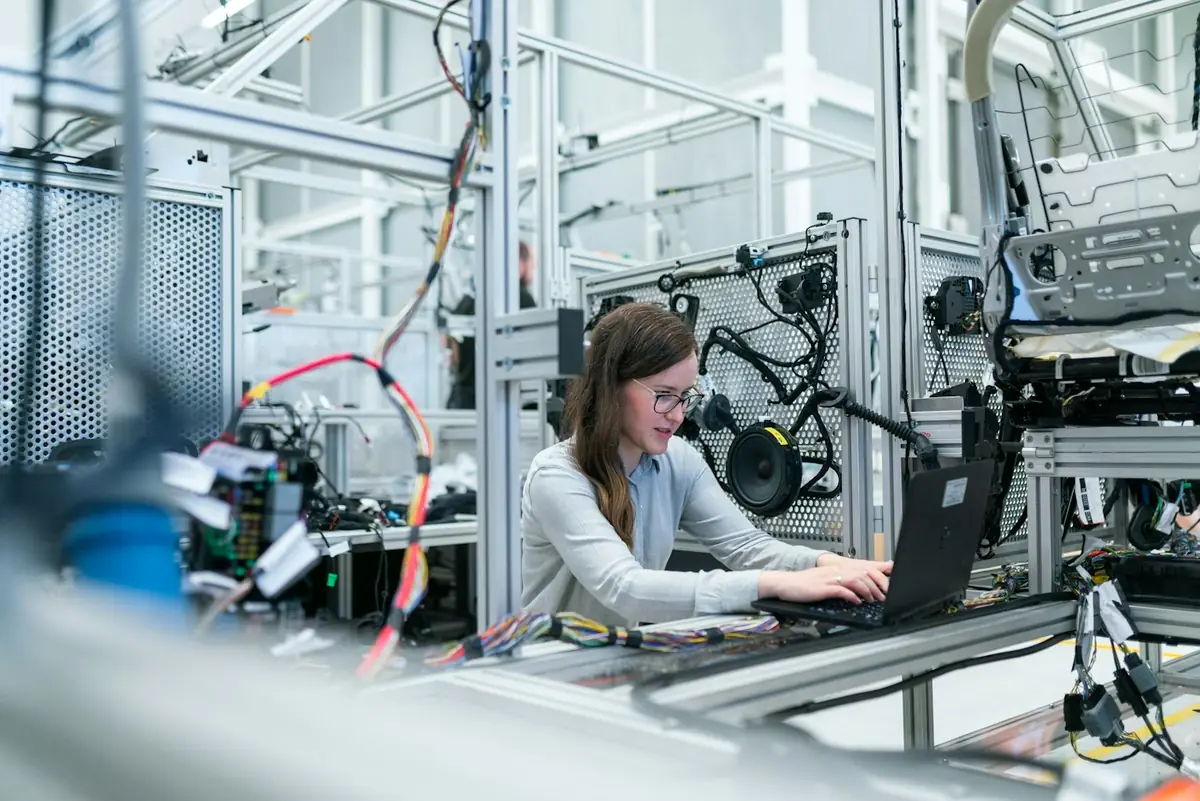
A manufacturing ERP that brings work order, stock, quality and cost processes into one database and runs with barcode terminals on the shop floor.
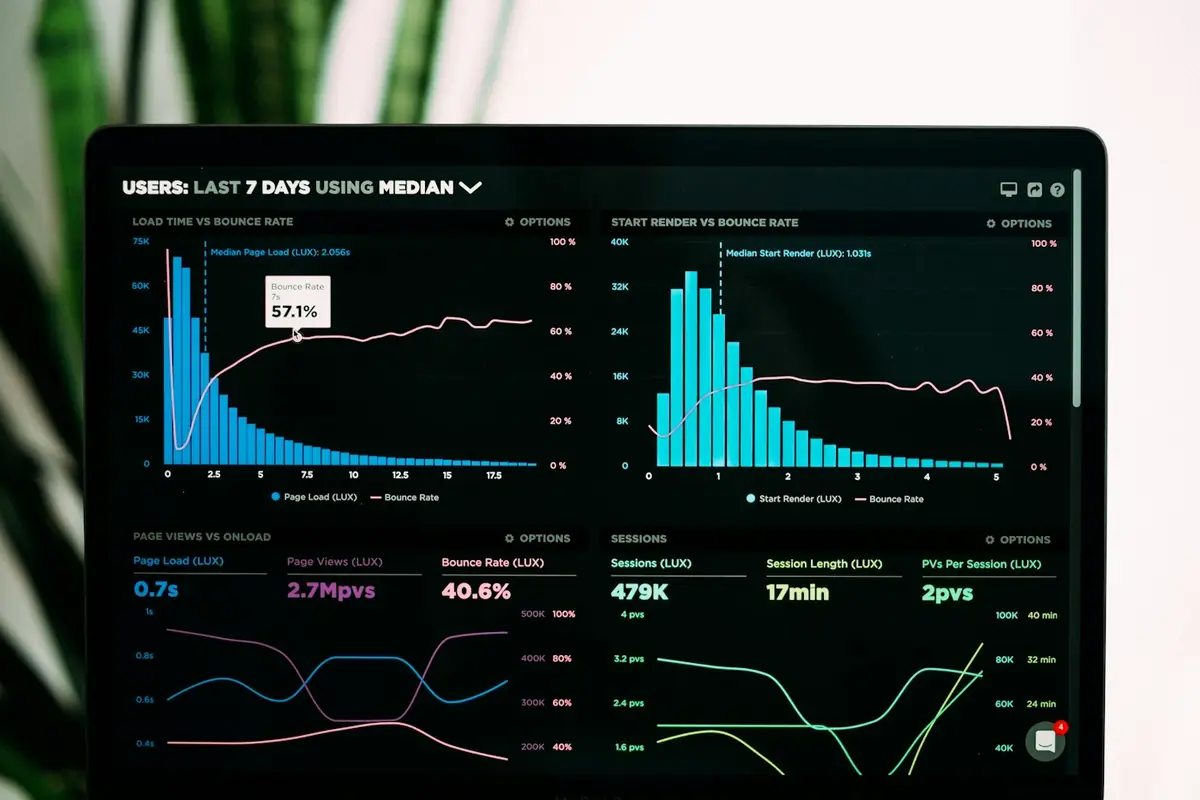
−%45 Planning timeView project AI ApplicationsRetail and distribution · 2025For a multi-warehouse distributor we developed a model that produces weekly demand forecasts from sales history and suggests orders.
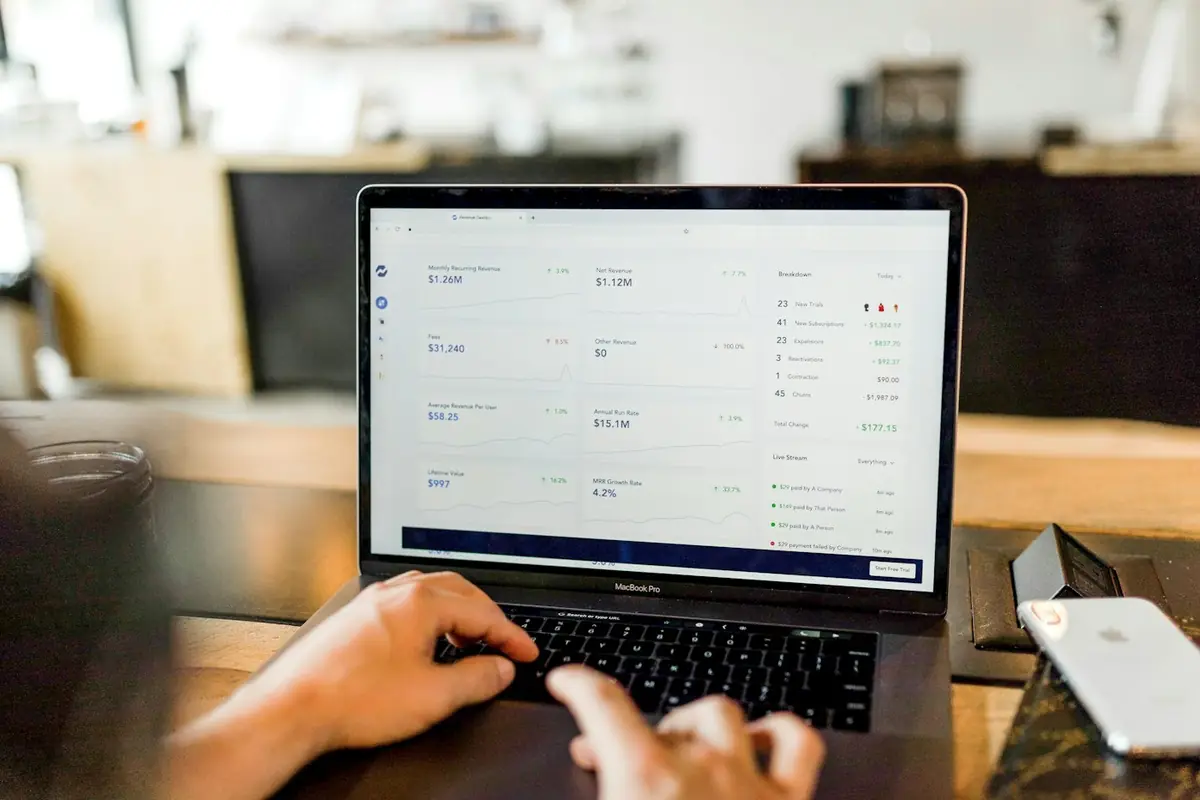
−%27 Number of stockoutsView project E-Commerce SitesWholesale · 2026A B2B e-commerce portal integrated with ERP that offers dealer-specific prices, account balances and quick ordering.
−%60 Manual order entryView projectFAQ
If your processes differ from industry standards or you want to bring multiple systems under one roof, custom development is more efficient in the long run.
Yes. We include data migration and validation steps in the project plan.
Duration and budget vary with the number of modules, integrations and data migration volume. After the free initial consultation and process analysis, we present the scope in writing.
No. Adding custom modules and integrations to your existing system is also possible; a full replacement is recommended only when necessary.
Role-based permissions, activity logs and regular backups are planned as standard.
Accounting software only manages financial records. An ERP brings departments such as inventory, purchasing, sales, production, human resources and finance together in one database. That way the same information isn't entered again and again, and management can monitor the whole company from one screen.
First, current processes are mapped to identify which steps waste time and which data is kept in scattered places. Then priority modules are selected and a phased transition plan is prepared. Trying to transform everything at once is the most common mistake.
We support the transition with training, pilot users and written user guides. Adoption speeds up when the system is designed to make employees' daily work easier. In the first weeks after the transition we provide close support on site or remotely.
Yes. We can connect e-invoice, e-archive and e-waybill processes in line with the legislation through contracted private integrator infrastructures. If you already have an integrator account, we can also work with it.
Cloud offers fast setup, easy access and a low infrastructure burden. On-premises installation is preferred for full control over data and special security requirements. We decide together based on data sensitivity, access needs and your IT resources.
Yes. We present sales, stock, cost and performance indicators in real-time dashboards. Reports are customized by role; managers see a summary while the operations team can drill down into detail. Data can be exported if needed.
Yes. Thanks to the modular architecture, new departments, branches, users and integrations can be added. We discuss your growth scenario from the start and build the necessary scaling and performance measures into the architecture.
Explore
Software that fits your business processes exactly, where off-the-shelf packages fall short.
Explore AutomationWe turn repetitive work into smart workflows for greater efficiency and speed.
Explore TransformationA measurable digital transformation roadmap, from current-state analysis to implementation.
ExploreHow can we help you?
Software SupportExisting software and technical support Project SupportNew projects, quotes and consultingWe reply quickly on business days.
 ERP Solutions
 AI Applications
 E-Commerce Sites