
Surface defect detection
Finding scratches, stains and deformations on metal, plastic or textile surfaces.
AI · Vision
Image processing and computer vision solutions for quality control, counting, recognition and measurement.
Computer vision is a way to analyze images from cameras or sensors and perform tasks continuously and consistently where the human eye tires, slows down or makes mistakes. It has a wide range of applications, such as defect detection in manufacturing, counting in warehouses, recognition in security and crop analysis in agriculture.
The key to success is the right imaging setup before the algorithm: lighting, camera angle, resolution and data variety determine model quality.
In detail
First the goal (which defect, at what speed, with what accuracy?) and the imaging environment are defined. Then sample images are collected and labeled, and models are trained. The prototype is tested under real line conditions.
Field conditions (changing light, vibration, product variety) differ from the lab, so a pilot period and model retraining are part of the plan.
Model outputs are passed to the PLC, ERP or monitoring dashboard; actions such as rejecting defective products or alerting operators are triggered automatically.
Model performance is monitored in production; the model is updated when a new product variant appears or conditions change.
Scope
Automatic detection of surface, assembly and packaging defects.
Counting and classifying products, pallets or parts.
Image-based methods for measuring size and position.
Extracting text from labels, serial numbers and documents.
Low-latency inference that runs at line speed.
Passing results to the PLC, ERP or dashboard.
Problem → solution
Quality control depends on the operator and is inconsistent.
We set up automated visual inspection that applies the same criteria to every product.
Counting and measuring are done by hand.
We deliver speed and accuracy with image-based counting and measurement.
Defective products reach customers.
With automated inspection at the end of the line we reduce the risk of missed defects.
Process
Goal, environment and sample data.
Deliverable: Feasibility noteImage collection and labeling.
Deliverable: Labeled datasetTraining and validation.
Deliverable: Validated modelField testing and system connection.
Deliverable: Pilot reportUse cases
Finding scratches, stains and deformations on metal, plastic or textile surfaces.
Checking for missing labels, misprints and caps.
Automatic product counting from images.
Things to watch out for
Not controlling the lighting
The right way: make lighting part of the design.
Training with little, uniform data
The right way: collect data under varied conditions.
Skipping the pilot
The right way: validate under real line conditions.
Portfolio
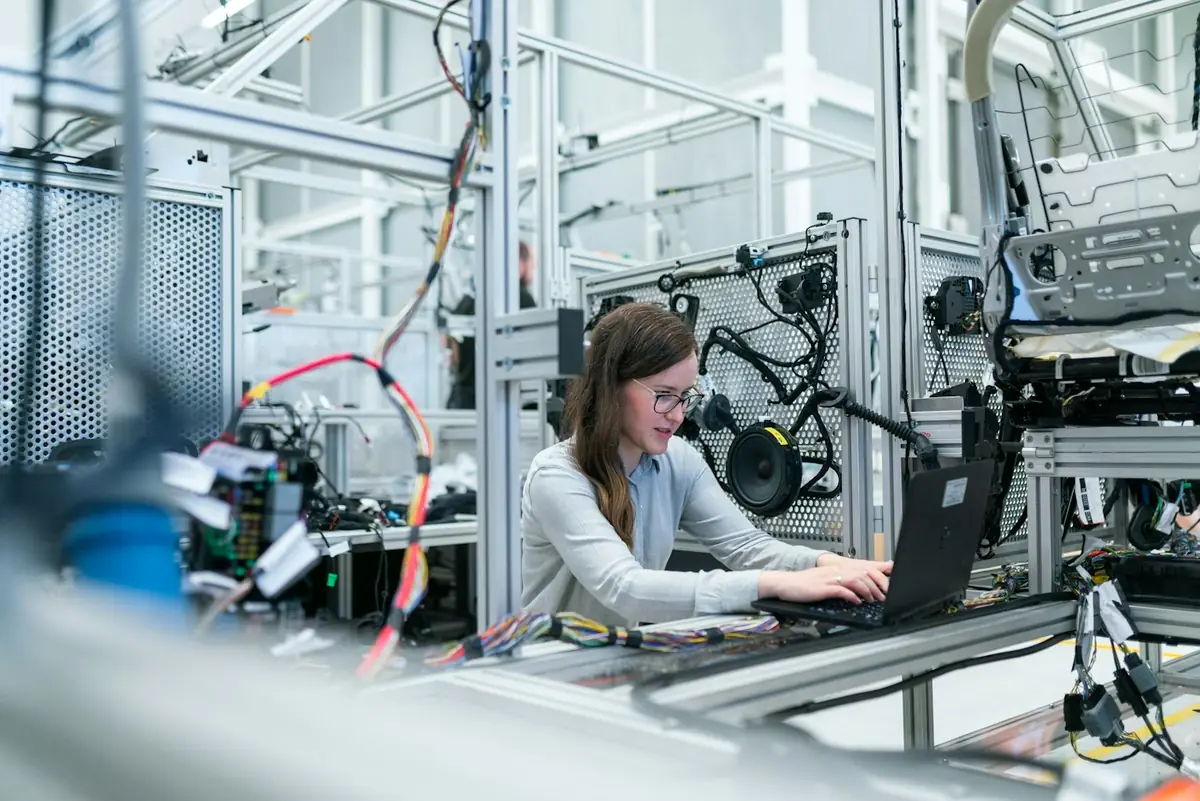
A computer vision system installed at the quality control station of a metal parts manufacturer catches surface defects at line speed.
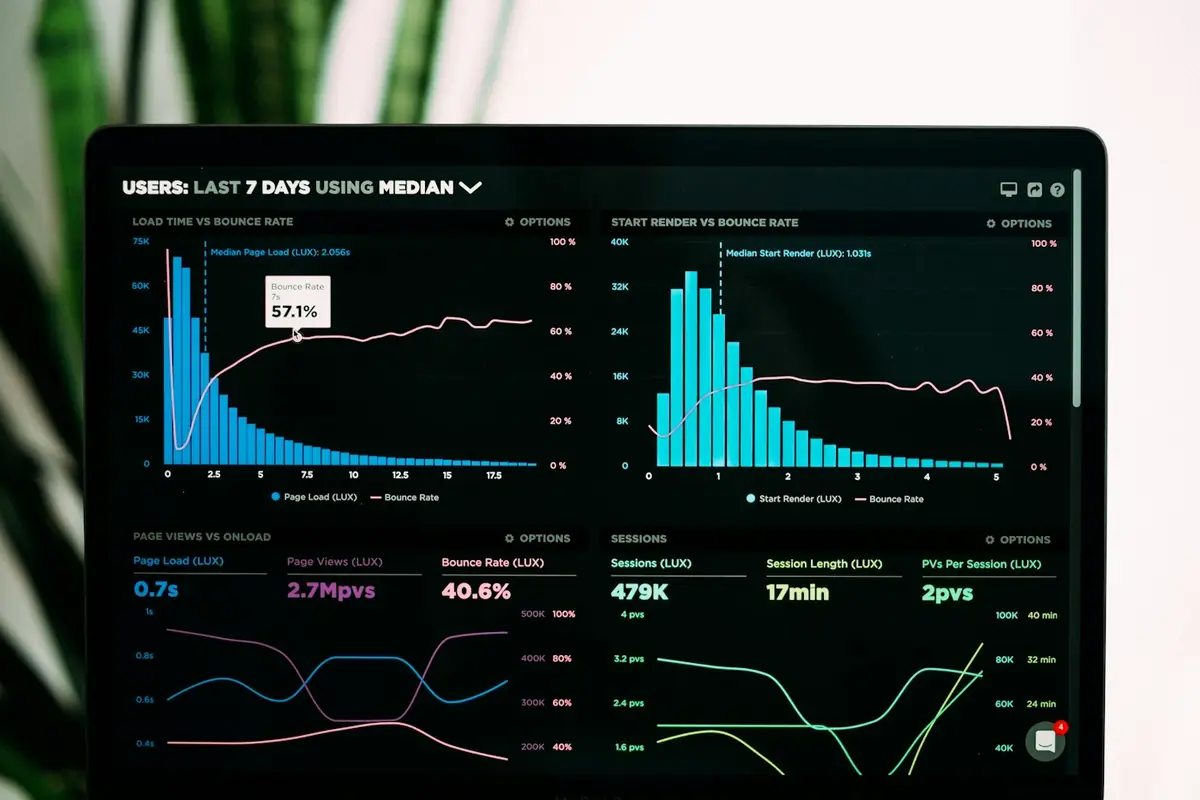
−%38 Defective parts reaching shipmentView project AI ApplicationsRetail and distribution · 2025For a multi-warehouse distributor we developed a model that produces weekly demand forecasts from sales history and suggests orders.
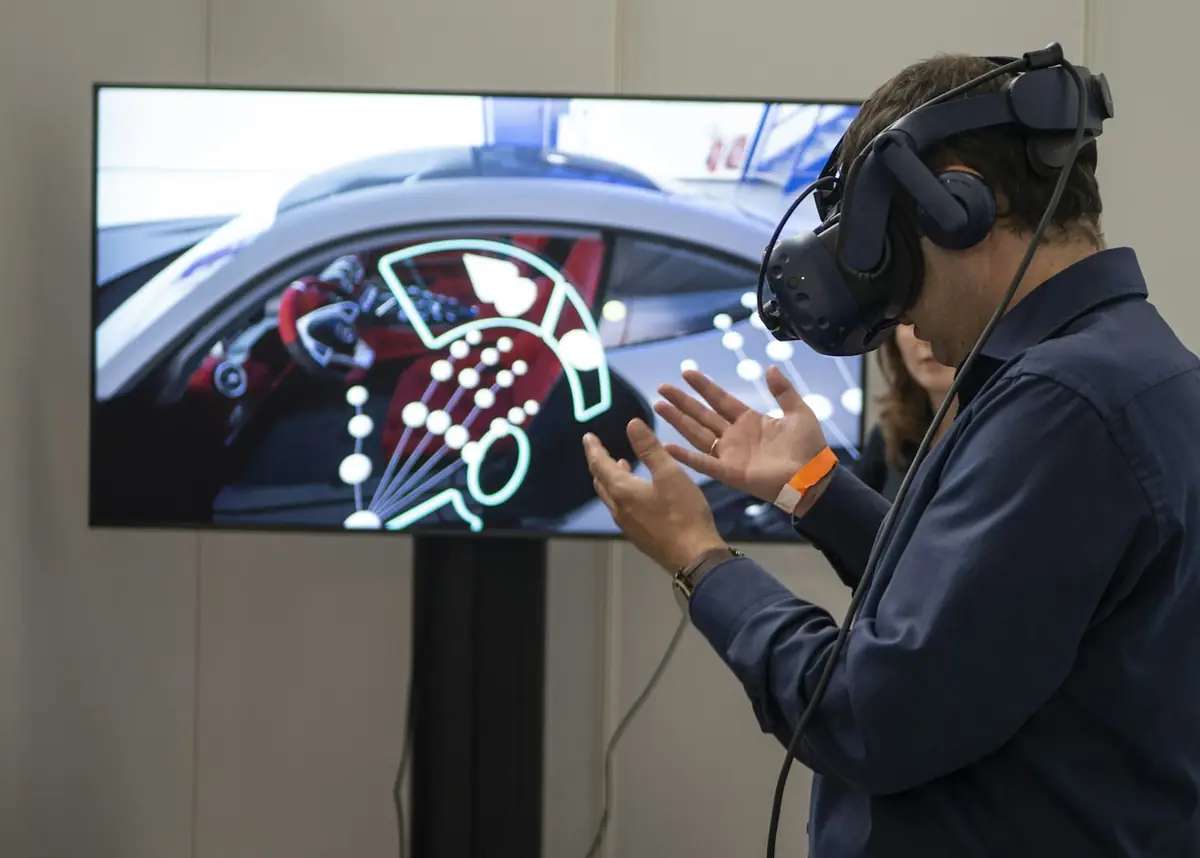
−%27 Number of stockoutsView project VR / AR ApplicationsIndustry and training · 2026A virtual reality training simulation that lets trainees safely experience hazardous work environments and measures training performance.
+%40 Knowledge retention (example)View projectFAQ
It depends on the problem; simple cases may need hundreds of examples, complex ones thousands. Data augmentation and correct labeling reduce the need.
Very important. Controlled lighting and the right camera choice can affect model success even more than the algorithm.
Yes; by optimizing the model for the target speed and hardware, inference can run at line speed.
With threshold tuning and routing suspicious cases to a human, the balance between false alarms and missed defects is adjusted to the business goal.
Classical image processing works with rule-based methods such as edges, color and shape. Deep learning recognizes complex patterns by learning from examples. In simple, controlled environments, classical methods may be enough; in variable conditions, deep learning performs better.
We can detect visually distinguishable conditions such as surface scratches, missing parts, incorrect assembly, label errors, counts, measurements and fill levels. Feasibility is confirmed with a preliminary trial on sample images.
The choice of camera, lens and lighting depends on the size of the defect to be detected and the line speed. The right equipment affects the result as much as the algorithm. We prepare a list of recommended hardware and provide installation support.
It's designed to make decisions in milliseconds depending on line speed. We get the required speed in the analysis phase and choose model size and processing hardware accordingly.
Yes. Detection results can be stored in a database with image evidence and passed to ERP, MES or reporting dashboards. Quality analysis can be performed on the number of defective products and their causes.
Sample images are collected for the new product, and the model is retrained or fine-tuned with this data. We recommend setting up a data collection and training flow that makes adding new products easy.
Data is stored on an on-premises server or in a secure cloud environment, as you prefer. Retention period, access rights and KVKK requirements are set in writing at the start of the project.
Explore
We build custom AI systems for your organization that turn data into decisions.
Explore AutomationWe turn repetitive work into smart workflows for greater efficiency and speed.
Explore R&DOriginal R&D projects built with scientific method; from academic knowledge to technology products.
ExploreHow can we help you?
Software SupportExisting software and technical support Project SupportNew projects, quotes and consultingWe reply quickly on business days.
 AI Applications
 AI Applications
 VR / AR Applications